

What you might see
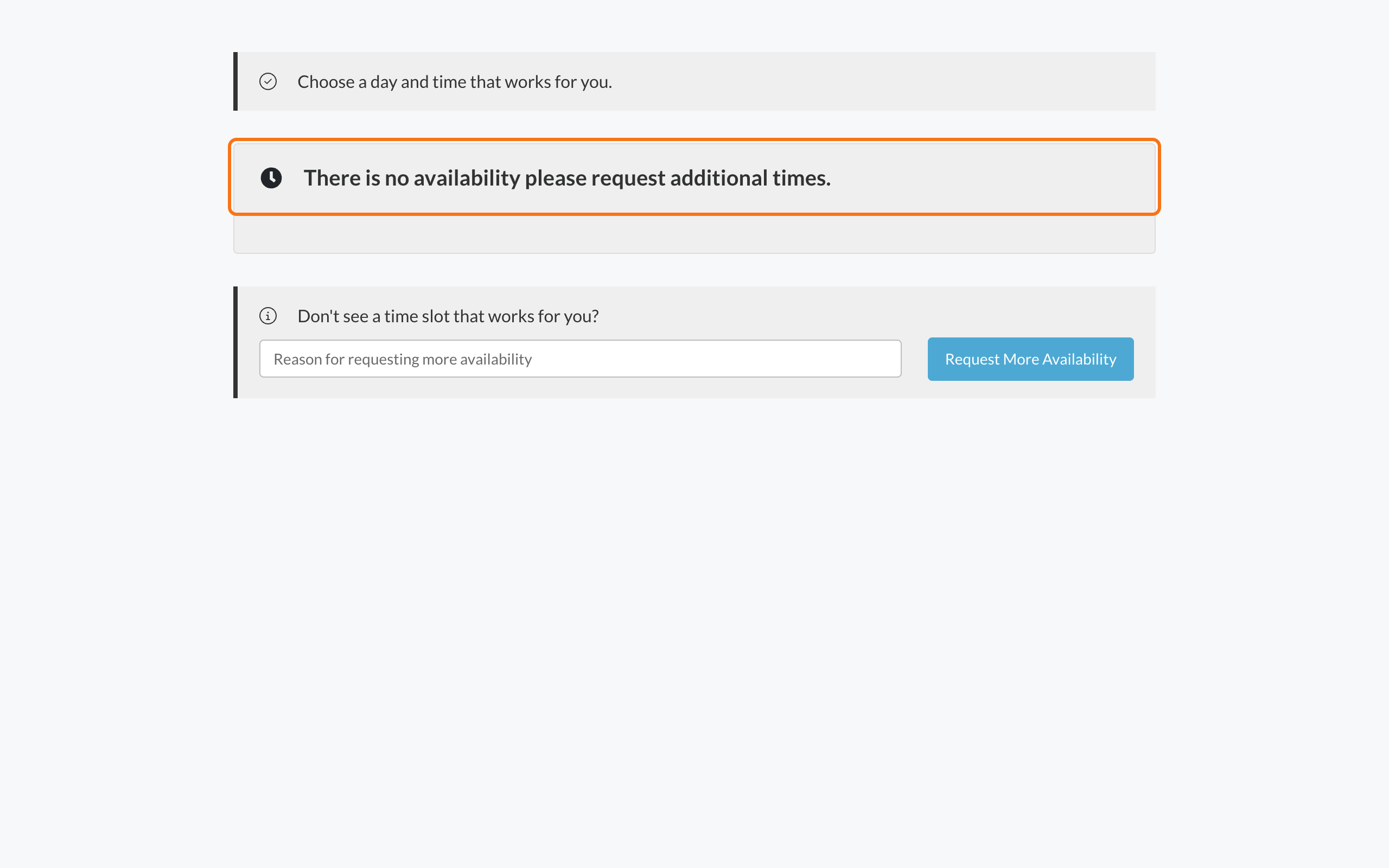
- There is no availability please request additional times.
- A calendar with no times you can pick
What to do
1
Ask for more times, if you can
If you see Don’t see a time slot that works for you?, type a short note in Reason for requesting more availability, for example the days and times that work for you. The note is required. If you leave it empty, you’ll see Please provide a reason for requesting more availability. Click Request More Availability.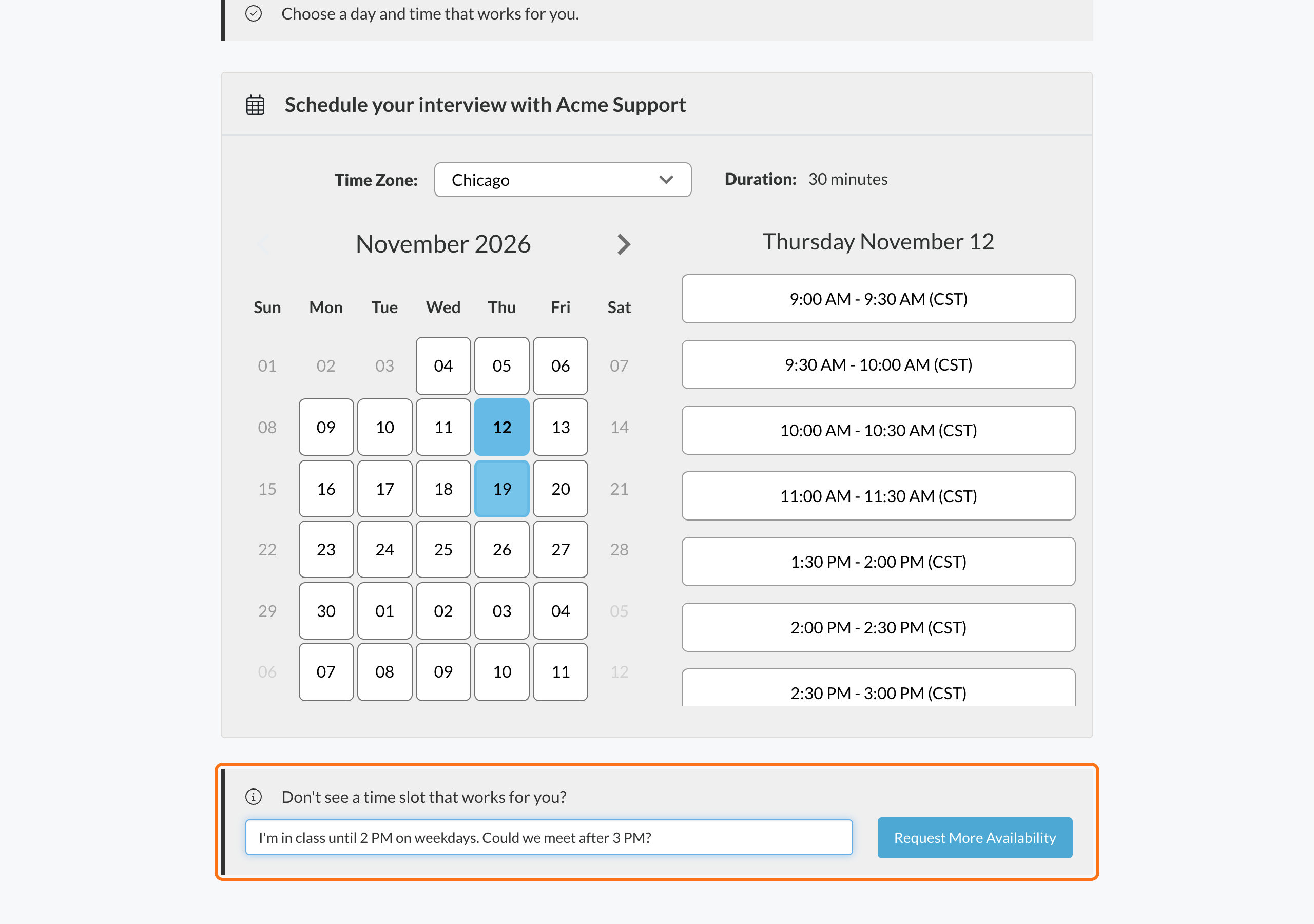
2
Check back later
Open the same link again later. New times may have been added.
3
Contact the employer
If there’s no way to ask for more times, or nothing changes, contact the employer.
You won’t get an email after you ask for more times. Keep the invite email so you can open the link again.
Related
Book your interview time
How booking works.
Who to contact
Reach the employer.