

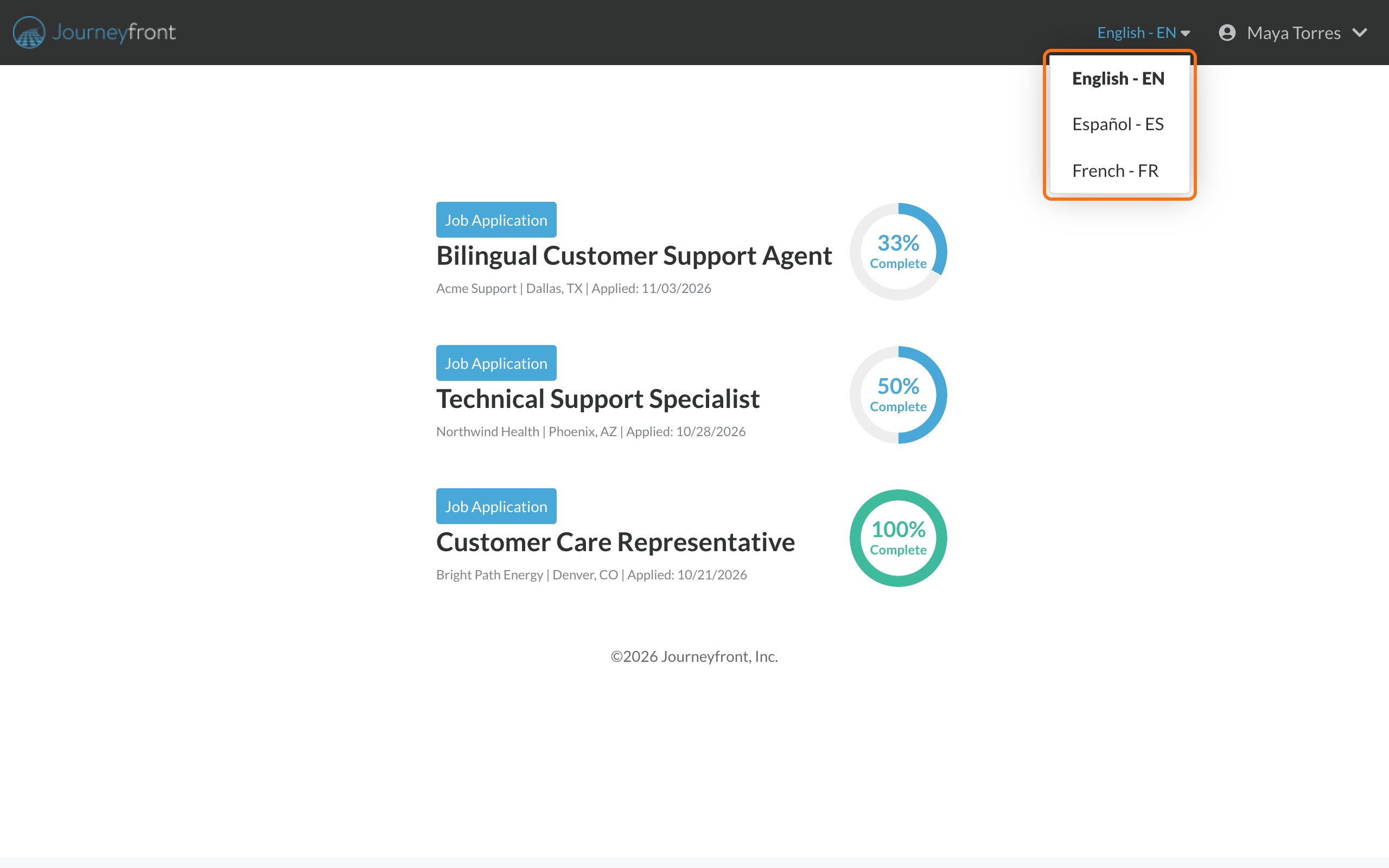
Switch the language
- On the sign-in page: use the language menu in the top right corner.
- After you sign in: use the language menu at the top of the page, next to your name.
Good to know
- Questions from the employer stay as they wrote them. Buttons, menus and instructions change language. Questions the employer wrote show in the language they wrote them in.
- Your choice is saved in this browser. If you switch to a different browser, a different device or a private window, choose your language again.
- A few pages are only in English, such as the page where you set a new password.
- A page opened in the wrong language? Use the language menu to switch.
Related
Your candidate portal
Everything in your account.
Sign in to your account
How signing in works.