

Open your interview
In your confirmation email or a reminder email, click the Click here link to reschedule or cancel. You’ll see your interview date and time.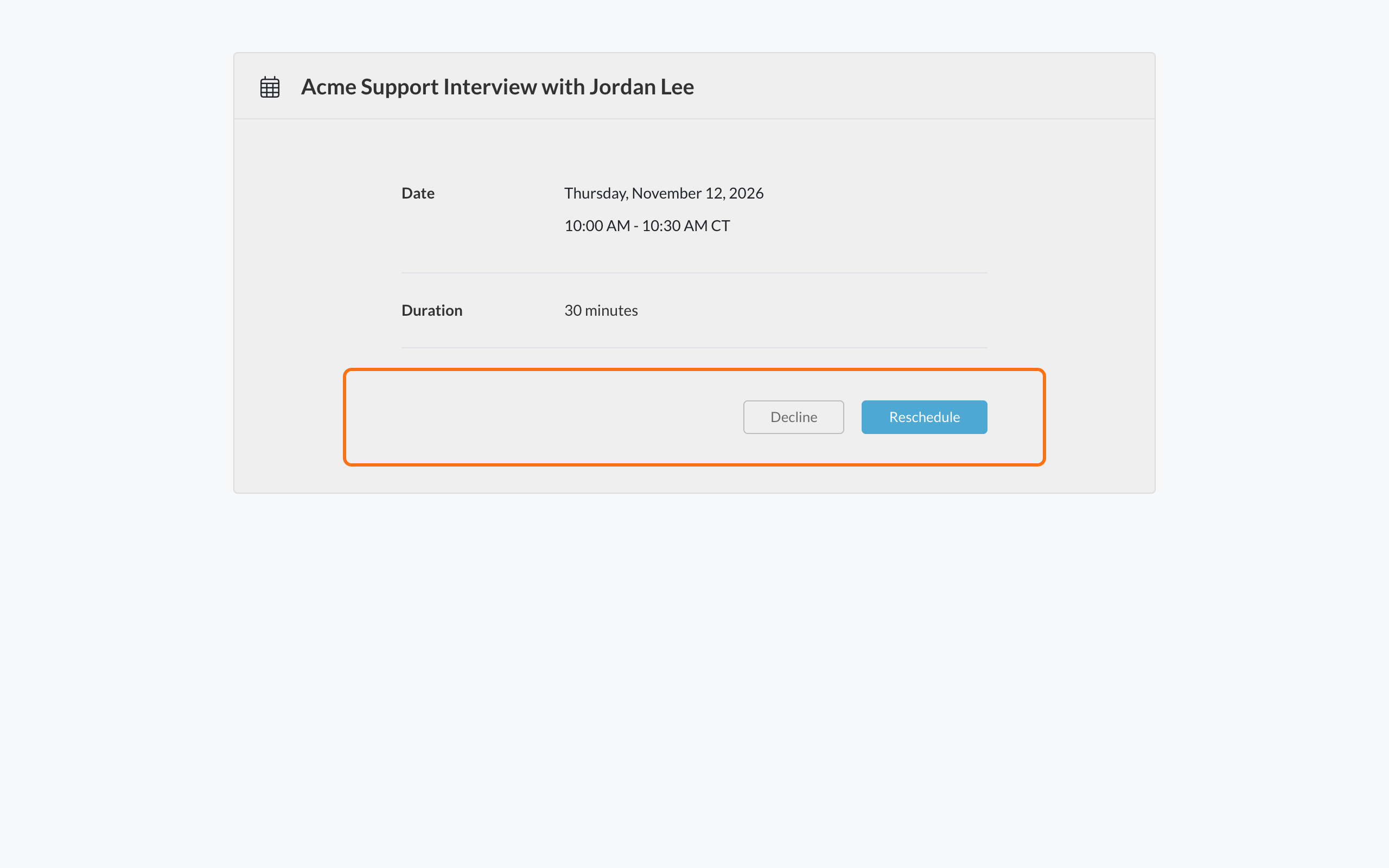
Reschedule
- Click Reschedule.
- Pick a new day and time.
If you don’t see Reschedule, the employer doesn’t allow changes online. Contact the employer to ask for a new time.
Cancel
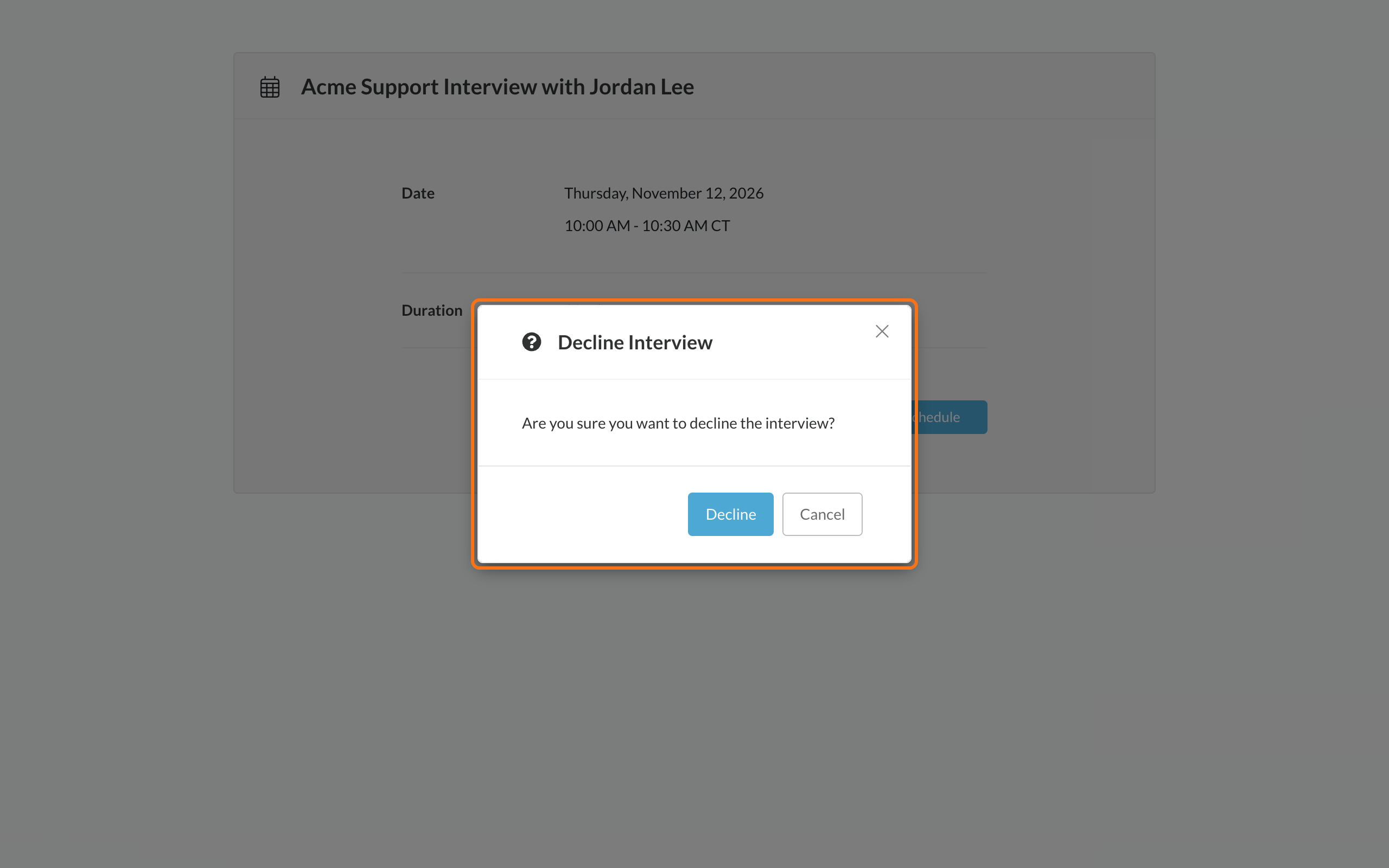
- Click Decline.
- You’ll see Are you sure you want to decline the interview? Click Decline to confirm.
Common problems
The link says it has expired
The link says it has expired
You can’t change the interview from an expired link. Contact the employer.
I see An error occurred while declining the interview
I see An error occurred while declining the interview
Refresh the page and try again. If it keeps happening, contact the employer to cancel.
Related
Book your interview time
How booking works.
Join your interview
Find your join link or address.