

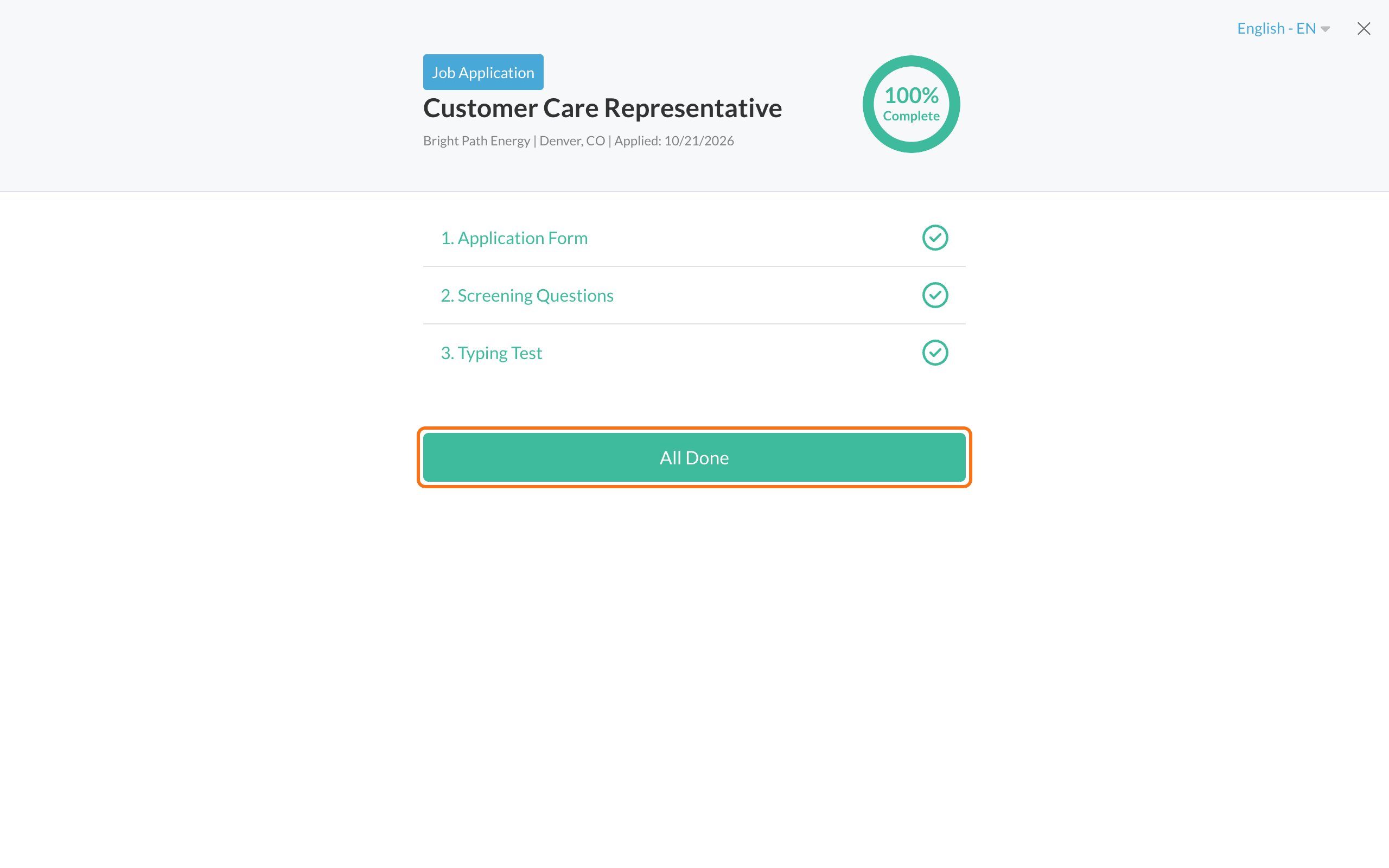
What happens next
The employer reviews applications on their own schedule. If they have next steps for you, they’ll contact you, usually by email, and sometimes by text or WhatsApp if you agreed to it.How long will it take?
That’s up to the employer. Each employer has its own timeline, and Journeyfront can’t see it. If you have a question about timing, contact the employer.Check where you are
Sign in to see your progress. If new steps appear, your percent goes down and you’ll see more to do. See Track your application progress.You don’t need to tell anyone you finished
The employer can see that your application is complete. You don’t need to email or reply to say you’re done.Common questions
Can Journeyfront tell me my application status?
Can Journeyfront tell me my application status?
No. Journeyfront runs the website, but the employer handles your application. Contact them with questions about where things stand.
I'm still getting reminder emails
I'm still getting reminder emails
The employer's own website still says my application is incomplete
The employer's own website still says my application is incomplete
Some employers also have their own system or portal. Clicking All Done may take you to the employer’s website. That’s expected. Finish anything they ask for there. If it still doesn’t match, contact the employer.
I want to apply to another job
I want to apply to another job
Go to the employer’s careers page and apply. Sign in with the same email and password. Your new application gets its own card.
Related
Who to contact
Journeyfront or the employer.
Track your application progress
What’s done and what’s next.